Jump to Content
Jump to Navigation
Site Map

Monitor Packing Guide

Click on any of the images below to see a larger version of the instructions. You can also download this guide as a PDF file

Start with an empty sturdy pallet. Please make sure no nails, splinters, or sharp edges exist.

To add to the overall strength of the final pallet, add on a piece of cardboard or like material to the base.

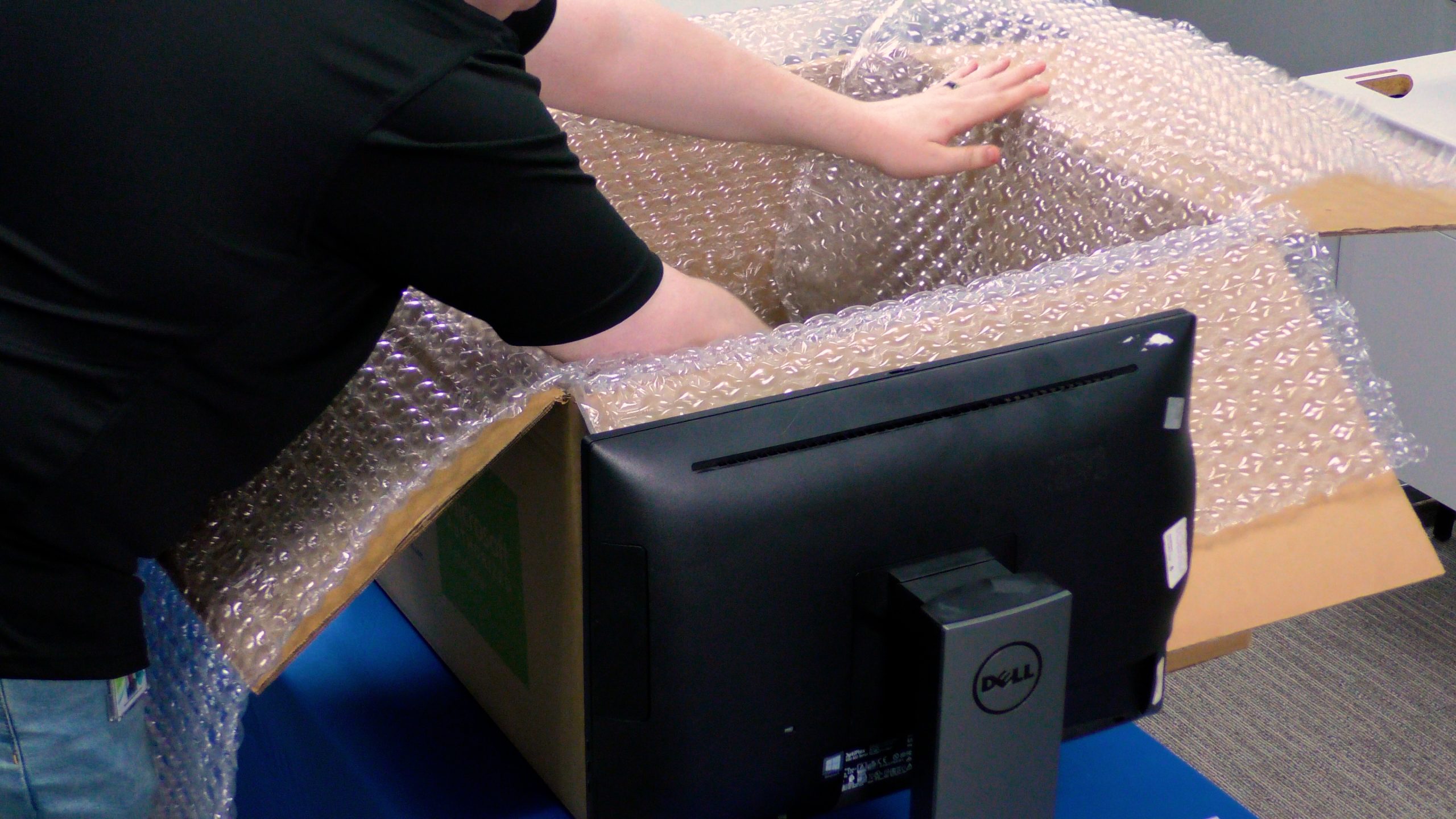
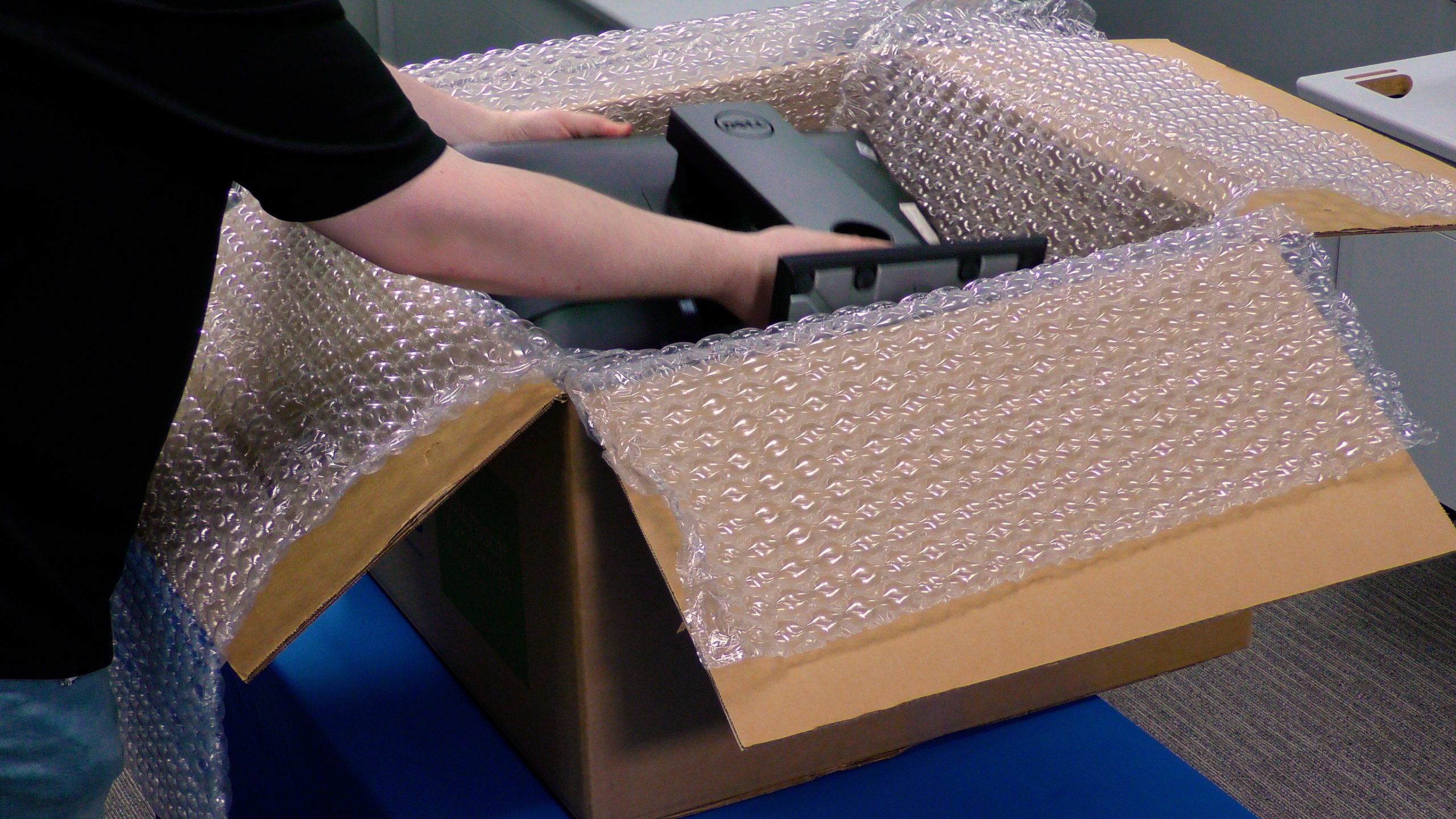
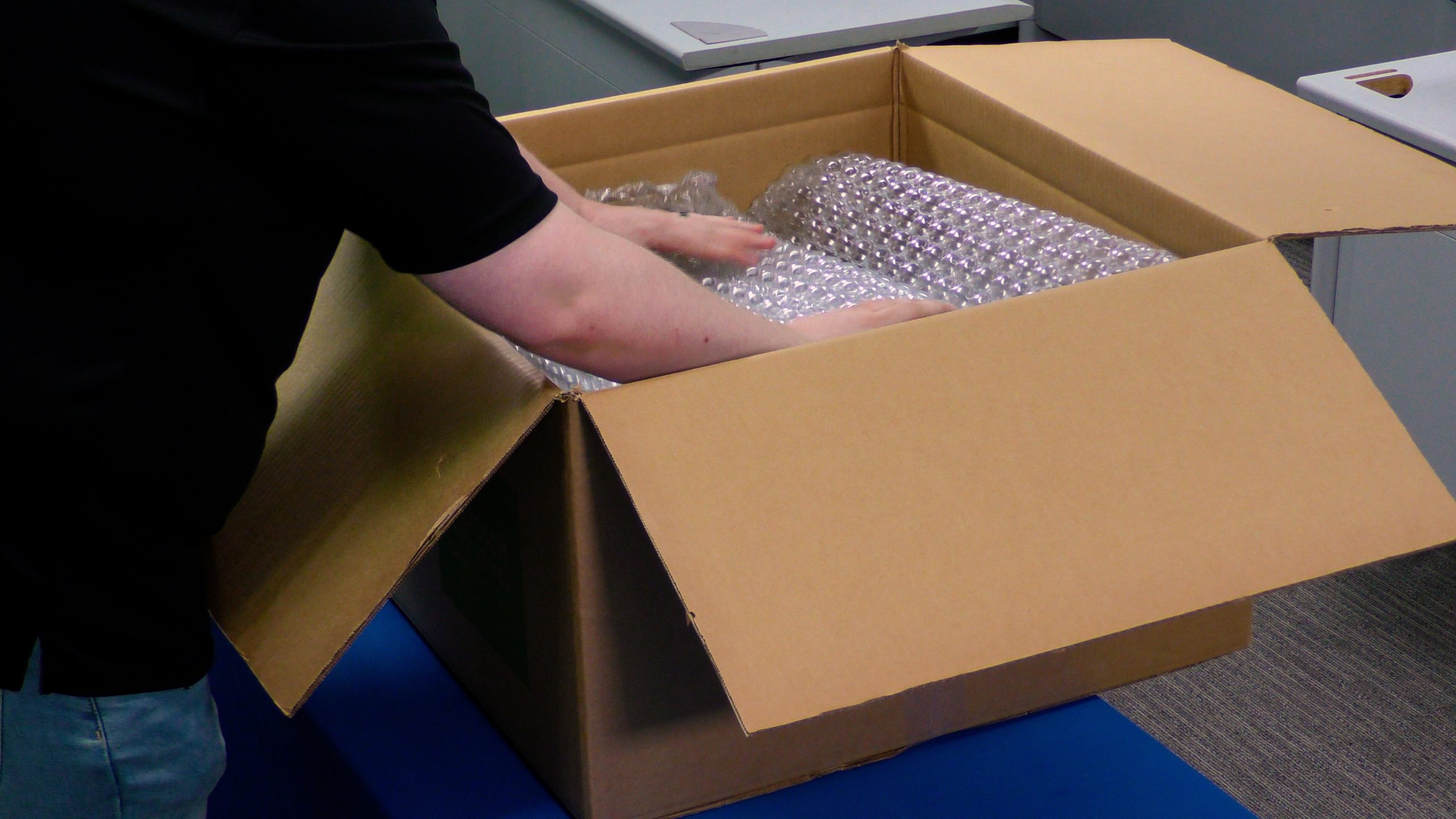
Add on a single layer of bubble wrap to the pallet. This will help to ensure the monitors arrive undamaged.

Place the monitors on the pallet face down. Make sure to keep all contents inside the pallet border.

Keeping the monitors inside the borders of the pallet prevents damage (i.e. the bases from being broken off).

Note also that the connection cords are wrapped tightly around the base of the monitor on each unit.

A second layer of cardboard, and bubble wrap, is added to accomodate the second layer of monitors.

After the second layer of monitors is in place, strapping tape is applied to help strengthen the overall package.

When applying plastic wrap, remember to start from the very base of the pallet to ensure overall strength.

Whether it be with a hand wrapper or a machine like this one, remember to go to the top and back down.

When completed, your monitor pallet should look very much like the one shown above.

Please Note: Following the suggestions provided in the EPC Packing Guide is NOT a guarantee that any equipment is sufficiently packaged for transportation. Accordingly, EPC EXPRESSLY DISCLAIMS ANY REPRESENTATIONS OR WARRANTIES, EXPRESS OR IMPLIED, WHICH MAY BE CONTAINED HEREIN. The Packing Guide merely reflects EPC's experience as to best practices for returning equipment. It remains customer's ultimate responsibility to ensure that all equipment is properly packed for transportation and safely returned to EPC, regardless of whether customer chooses to follow the Packing Guide suggestions.

© 2008 EPC, Inc. All Rights Reserved | Sitemap | Privacy Policy